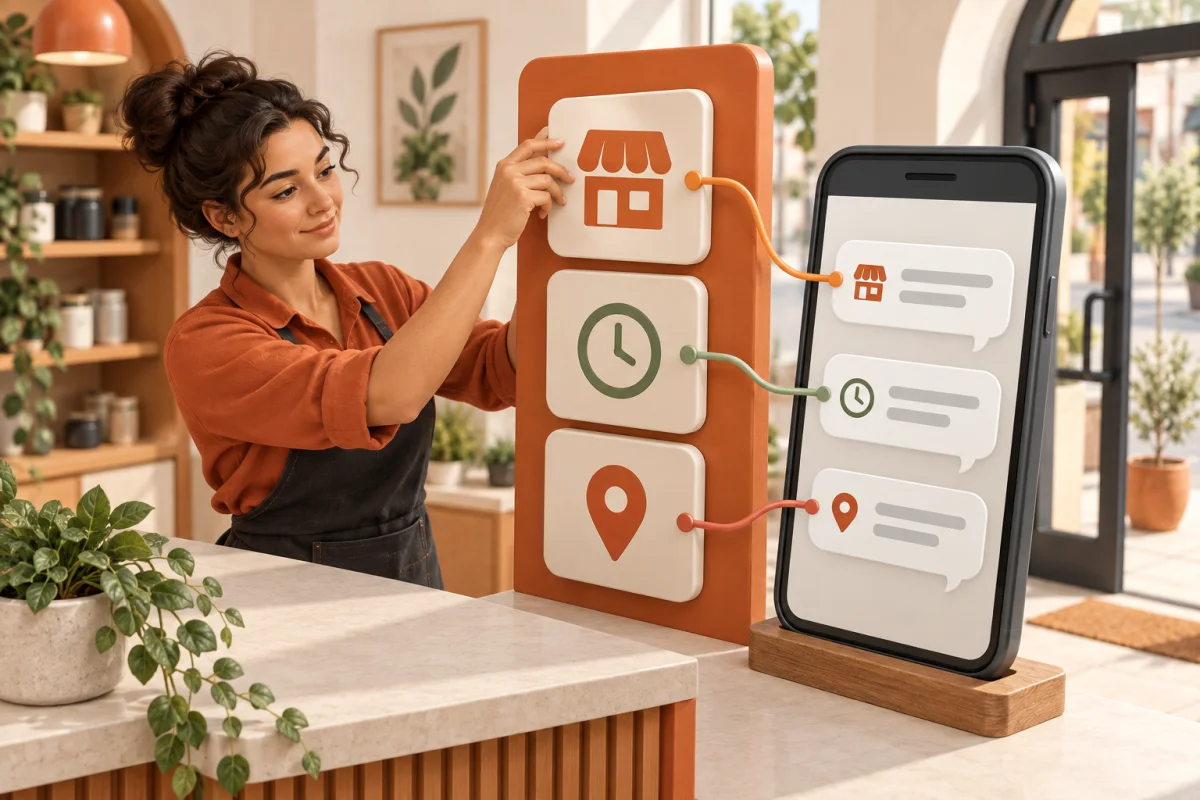
WhatsApp enquiries.A clearer handover.Content you approve.

We set up WhatsApp reception from your approved FAQs. The assistant answers routine questions, collects key details, and hands judgement calls to your team. Add a per-account content trial to prepare drafts. You check the account, copy and media before any eligible publishing.

  • Built from your approved answers
  • You approve each post
  • Setup and ongoing support

From enquiry to next step

Business view · AI replies in green

Hi, is the sales coordinator role still open? What’s the salary?

10:24

I can check the role. How many years of related experience do you have, and which area can you work in?

10:24

Three years, based in Johor Bahru.

10:25
AI Spark Demo · Ready to listen
Auto expressions
Ready for your team

The details, in one place.

Role
Sales coordinator
Experience
3 years
Location
Johor Bahru

A consultant reviews suitability. Salary is not answered by the assistant.

Illustrative workflow, not a delivered case in this trade. The public starting job is recruitment: qualify, then a mandatory human stop.

Businesses using InstallMyClaw

  • AE Groups
  • ACE Advance Auto

How a conversation goes

From a question
to your team.

  1. 01

    A customer asks, any time.

    Enquiries arrive on WhatsApp at night, at weekends, or in the middle of a busy shift.

  2. 02

    Answered from your approved FAQs.

    Routine questions get a reply straight away, in the words you agreed.

  3. 03

    The details you need, collected.

    The assistant asks for what your team needs before anyone picks it up.

  4. 04

    Handed to your team, in one card.

    Judgement calls such as price and timing stay with your people.

Hi, do you do aircon cleaning? Hoping to get mine done this Saturday.

21:42

Hi! Which area are you in, and how many units need cleaning?

21:42

Puchong, 2 units. Thanks!

21:43
Ready for your team
Request
Aircon cleaning
Location & quantity
Puchong · 2 units
Preferred day
Saturday

Your team confirms the available time and quote.

Customer questions. Content ideas.
A clear next step for each.

We help prepare the answers and drafts. Your team stays in charge of the decisions that need a person.

WhatsApp reception

A customer asks. Your team gets the context.

The assistant uses your approved FAQs for routine questions, asks for missing details, and hands over anything that needs a person to decide.

Incoming question

A service enquiry with a price question

Human handover
  • Customer need
  • key details
  • quote to confirm

Your team decides prices and exceptions.

Content trial

Your idea becomes a draft you can check.

Start with a business update. Review the proposed account, copy and media together before you decide what goes out.

Starting point

A business update or post idea

Your review
  • Target account
  • draft copy
  • proposed media

Publishing follows your approval and an account eligibility check.

Illustrative scenarios, not product screenshots, live status or confirmed customer outcomes.

Publishing · Comments · DM

Meet your customerswhere they already are.

Choose the work first, then the channel. We check your account and the actions you need before setting up the workflow.

01

Publish your content

Claw Grow · Checked per account

Prepare a draft, preview it, then publish only after you confirm.

Verified starting format

Facebook text-only immediate publish, once your account is checked and you approve the draft.

  • Facebook

Check per account

Facebook images and video, Instagram, TikTok, YouTube, LinkedIn, Threads and scheduling. None is included by default.

  • Instagram
  • TikTok
  • YouTube
  • LinkedIn
  • Threads
02

Comments & Google Reviews

Claw Grow · Comments & reviews

Organise comments on Facebook, Instagram, TikTok, YouTube and Threads, and read Google Reviews from your connected business profile.

Check per account

Comment actions need the right permissions. Google Reviews is read-only on existing connected accounts.

  • Facebook
  • Instagram
  • TikTok
  • YouTube
  • Threads
  • Google Reviews

New Google Reviews authorisation is paused; review replies are not a verified capability.

03

Continue the conversation

Claw Chat: WhatsApp, Telegram or WeCom · Claw Grow adds Instagram, Messenger and TikTok DMs

Handle customer questions and prepare the next step in the messaging channels your business uses.

Check per account

Each channel, including WhatsApp, needs its own connection and message checks before we agree the scope.

  • WhatsApp
  • Messenger
  • Instagram
  • TikTok
  • Telegram
  • WeCom
Explore channel scope

Start with one everyday task.

You don’t need to change everything at once. Choose a useful starting point and build from there.

  1. 01

    Tell us what keeps repeating.

    Share what your business does, what customers ask and how your team handles enquiries today.

  2. 02

    Agree on a useful first scope.

    We confirm the answers, details to collect, human handover, service fees and relevant third-party costs together.

  3. 03

    Set up, check, then start.

    We configure the agreed workflow, review examples with you and support it after launch within the agreed scope.

Getting started

A helping hand.
With your team in control.

Decide what the assistant can answer and where your people take over. Missing information and important decisions get a clear next step.

Your assistant helps with

  • Answers from approved business information
  • The details behind a customer’s request
  • A concise summary for the next person

Your team takes care of

  • Quotes, availability and final arrangements
  • Exceptions and decisions that need judgement
  • Approving changes to how the assistant works

RM399 to answer every customer.RM699 to grow with content.

Pricing

Claw Grow

Most popular

Every channel, plus content, comments and reviews that bring in leads.

RM699/ month

Messaging channels

  • WhatsApp
  • Telegram
  • WeCom

Social DMs, with your connected accounts

  • Instagram
  • Messenger
  • TikTok

Publish and answer comments on

  • Instagram
  • Facebook
  • TikTok
  • YouTube
  • Threads
  • LinkedIn
  • Google Reviews
Start nowAsk on WhatsApp first

We confirm the channels, business information, languages and workflows for your order, and check each one on your account before handover.

Read the rules and handoverbefore the assistant goes live.

Journal

What to prepare before your AI assistant answers a customer

A clear service list, reliable answers and a few thoughtful boundaries make a better starting point than a folder full of documents.

Read article

A good AI handover should feel like one conversation

Decide when a person steps in, what they need to know and how the customer understands the next step.

Read article

Before you automate content, agree on how a post gets approved

A repeatable brief, a named reviewer and a clear publishing check help your team keep control as content work grows.

Read article

Editorial illustrations created with AI.

A few things to know.

We’ll clarify the setup, support, fees and relevant third-party costs before you decide to begin.

Do I need to be technical?

No technical setup experience is needed. You help us understand your business and customers; we help configure the assistant and check the agreed scenarios with you.

Can I use my current WhatsApp?

We first check your account, number and connection requirements. Then we confirm a suitable way to connect before any setup begins.

What if AI doesn’t know the answer?

We agree on what the assistant can answer and when it should hand over. Missing information, unusual requests and decisions that need judgement go to your team under those rules.

What does it cost, and what happens when my business changes?

AI Reception is RM399/month; Reception + Content Operations is RM699/month. Each covers one business or brand. We confirm the scope and relevant third-party costs before starting. Information and workflow updates are covered within the agreed support scope; new scenarios or integrations are discussed separately.

Does follow-up mean automatically sending messages?

The starting workflow collects customer needs and prepares a handover for your team. If you want proactive messages or reminders, we first confirm the specific workflow, connection capabilities and applicable usage rules.

What would you like
to repeat less?

Tell us what customers keep asking, or where your team gets stuck. Let’s find one useful place to start.


Check the scope on WhatsAppFree WhatsApp scope check. We confirm the workflow and fees before setup.